
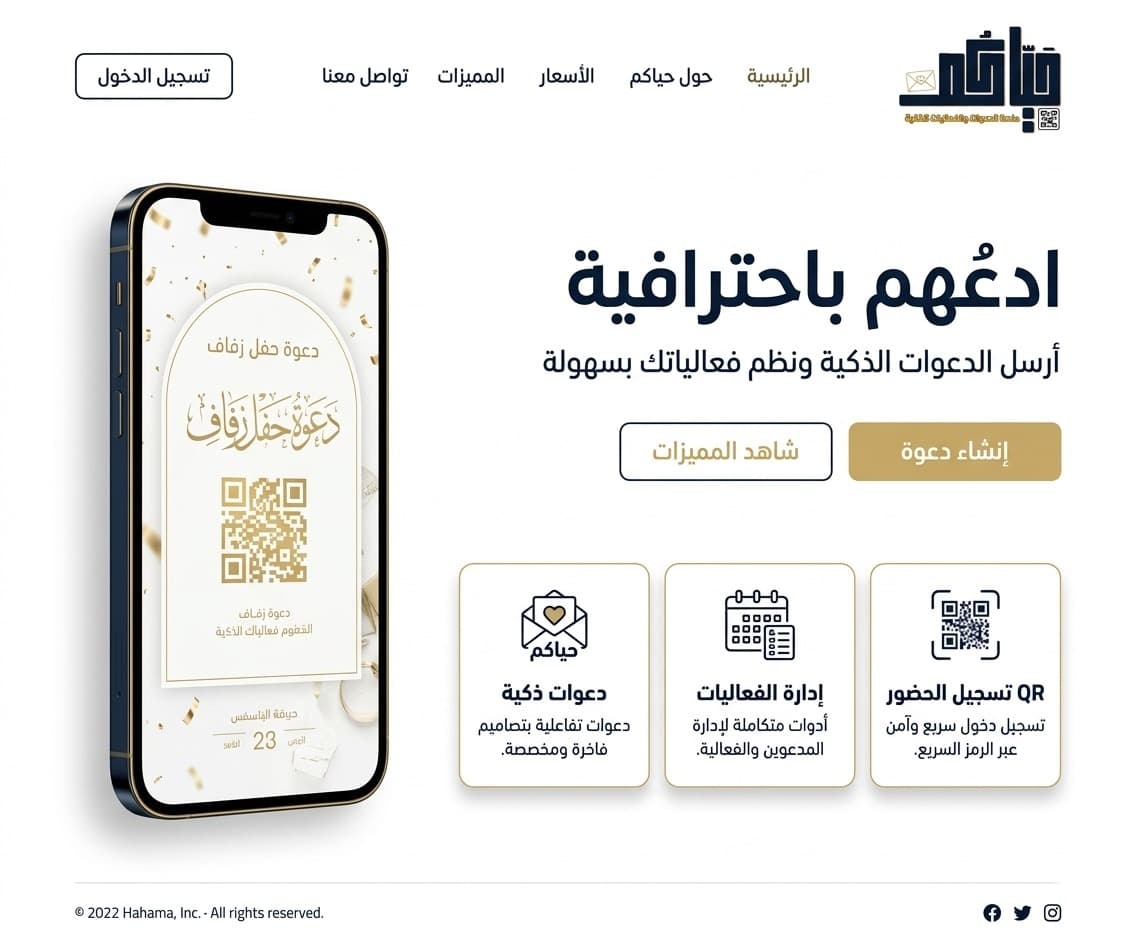
Invite them professionally
Send smart invitations with professional tools and manage your events with ease.
Smart Invitations
Send personalized WhatsApp invitations with unique QR codes for each guest.
RSVP Tracking
Monitor accepted, declined, and pending responses in real time.
QR Check-In
Scan QR codes at the door for instant, contactless check-in.
How It Works
From creation to check-in in 4 simple steps
Create Your Event
Add your event title, date, location, and a cover image.
Add Your Guests
Add guests manually or import from contacts using their WhatsApp numbers.
Send Invitations
Each guest receives a personalized WhatsApp message with a unique QR code.
Check In at the Door
Scan QR codes at the entrance for instant, contactless check-in.
Frequently Asked Questions
How do I create an event?
After signing in, click "Create Event" from the dashboard. Fill in the event details and add your guest list.
How are invitations sent?
Invitations are sent via WhatsApp. Each guest receives a unique link with a QR code for check-in.
Can guests RSVP without the app?
Yes! Guests receive a web link where they can accept or decline the invitation directly in their browser — no app needed.